Build better setlists. Take them straight to the gig.
Create setlists from your song library, calculate set durations, attach charts and notes, share them with your musicians and use Live View when you're on stage.
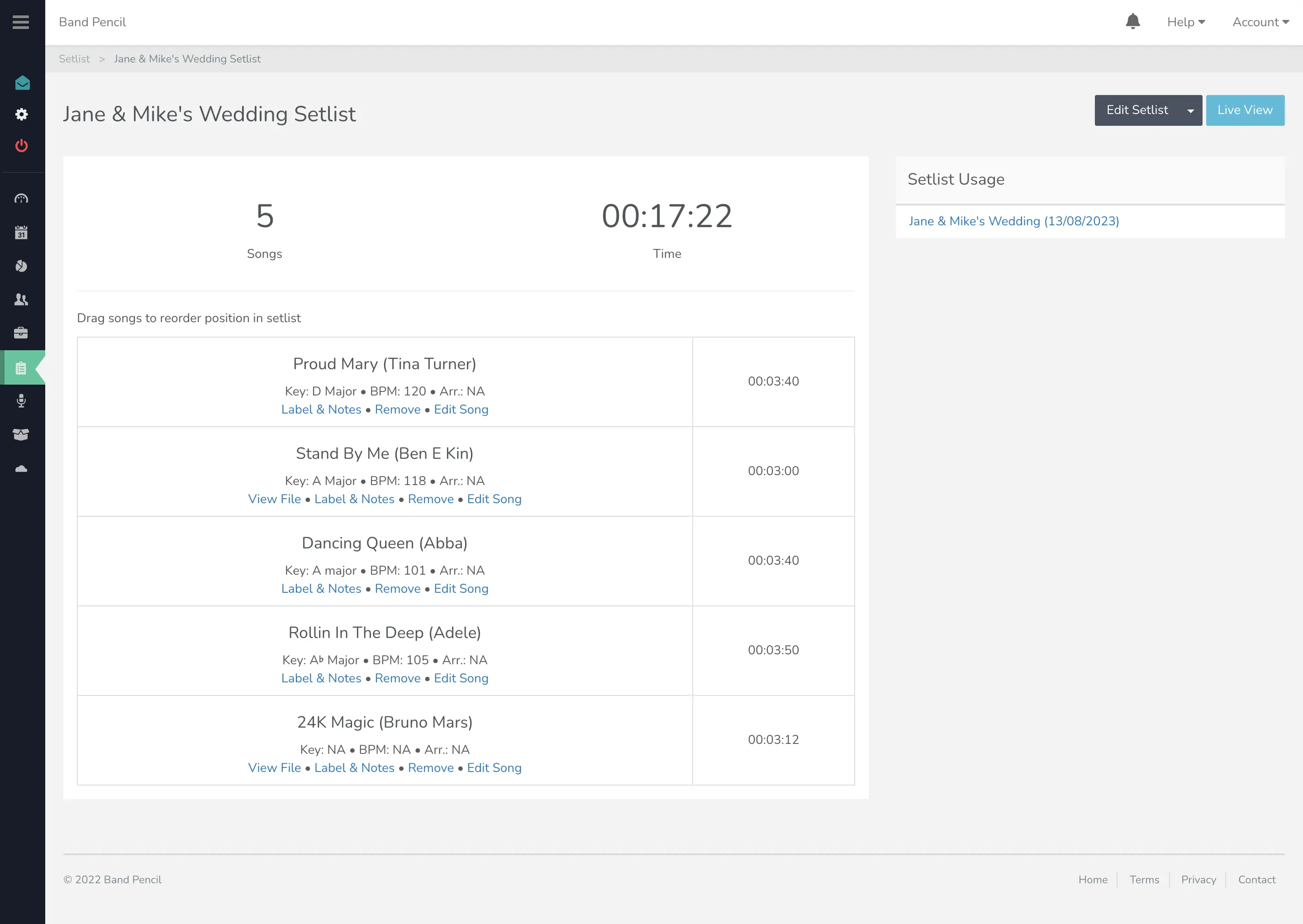
Build from your song library
Drag, drop and reorder songs from your repertoire to build the running order you need.
Calculate set duration
Band Pencil automatically calculates the duration so you can see how long your set will run.
Use it live
Open Setlist Live View on the gig to move through songs and access the information attached to them.
Keep the setlist connected to the gig.
Build and manage your repertoire in the same place as your bookings, then give your musicians access to the songs, notes and files they need for the event.
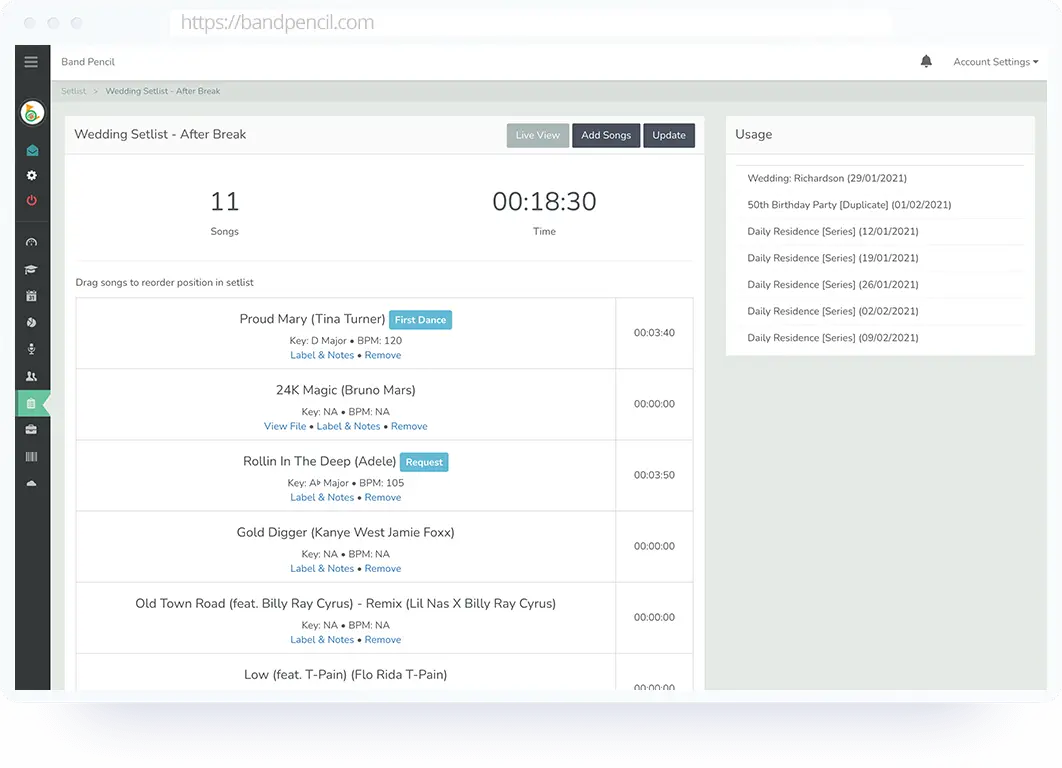
Build your setlist from your song library.
Drag, drop and reorder songs to create the running order for your gig, with the musical information and notes your performers need.
- Drag and drop songs into your preferred order
- Add song key, duration, BPM and arrangement
- Add notes for your musicians
- Label moments such as First Dance or Final Song
Keep the music with the song.
Attach useful files to songs so musicians can access the material they need alongside the setlist rather than hunting through separate messages and folders.
- Upload attachments to songs
- Keep sheet music and chord charts accessible
- Share setlists with musicians through the Member Portal
- Keep gig-specific setlists attached to the event
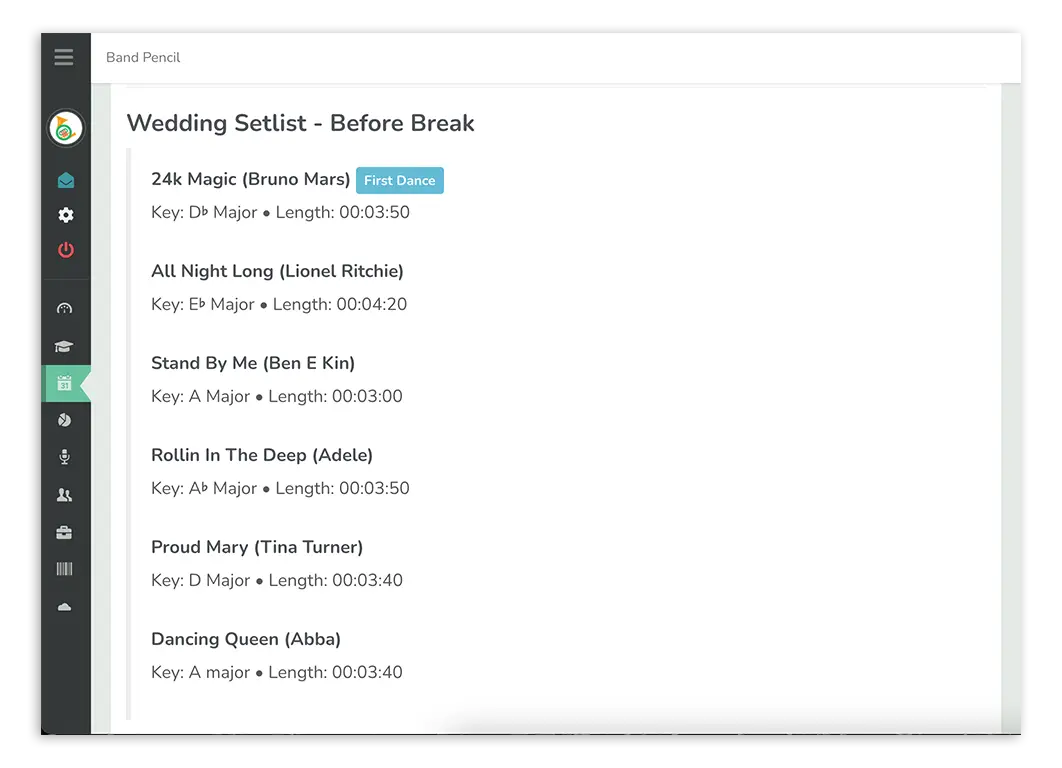
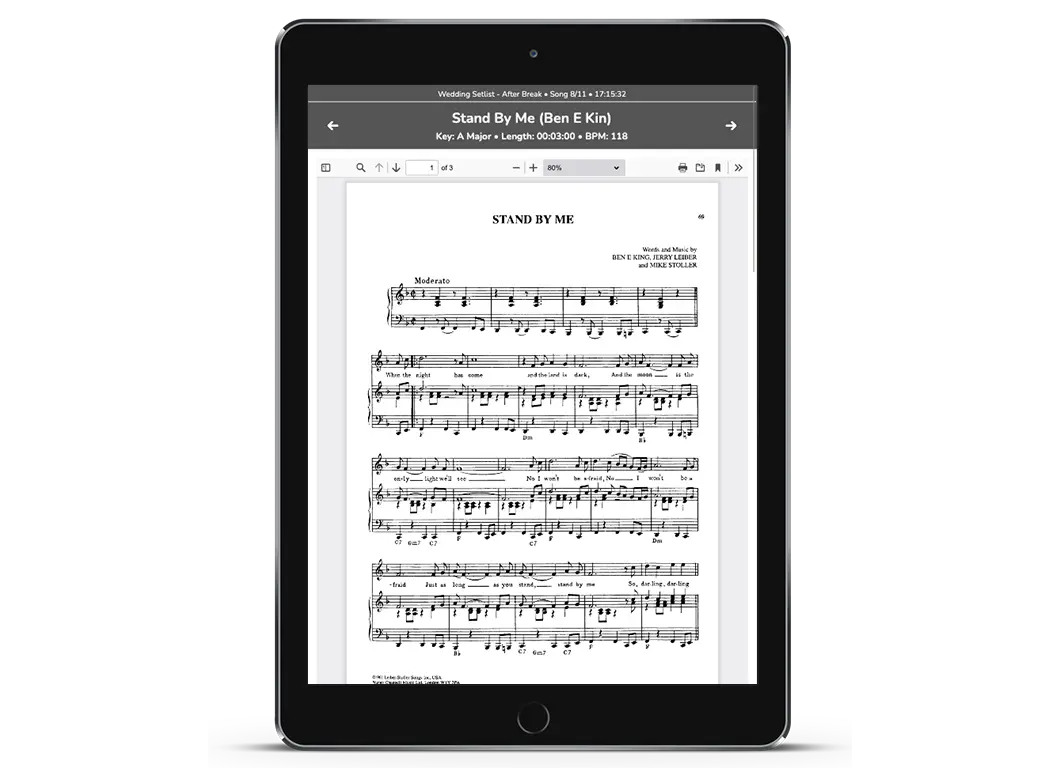
Take your setlist onto the gig.
Open Setlist Live View during the performance for a simplified way to move through the running order and access song information and attachments.
- Move through songs quickly
- View song information while performing
- Use split view for attachments and the setlist
- Designed to require very little mobile data
Attach setlists directly to your gigs and share with your performers.
Create as many setlists as you need and attach the relevant ones to each booking so performers have the right running order for the right event.
- Add more than one setlist to an event
- Share setlists with your musicians
- Export setlists to PDF
- Include setlists within the event worksheet
One platform,
one process.
Build your repertoire once, then turn it into the right running order for each event.
Build your song library
Store your songs together with useful information such as key, BPM, duration and attachments.
Create the setlist
Choose songs, reorder them and add any gig-specific labels or notes.
Attach it to the gig
Connect one or more setlists to the relevant Band Pencil event.
Use it live
Share it with performers or open Setlist Live View when it's time to play.
Your setlist shouldn't live in a completely separate system from your gig.
Keep your songs, running order, musicians, attachments and event information connected from the planning stage through to the performance.
Questions, answered.
Can't find what you're looking for? Contact the Band Pencil team.