Let clients check your availability before they enquire.
Embed a live availability calendar on your website so couples and event planners can check their date and take the next step without waiting for you to reply.
Show live availability
Let website visitors check whether their event date is available without waiting for an email response.
Capture stronger enquiries
Give interested clients a clear next step while they're already thinking about booking.
Stay in control
Control how dates appear and configure availability around the different services you offer.
Turn 'Are you free?' into an instant answer.
Give prospective clients useful availability information while they're actively considering booking you, then make it easy for them to move from checking their date to making an enquiry.
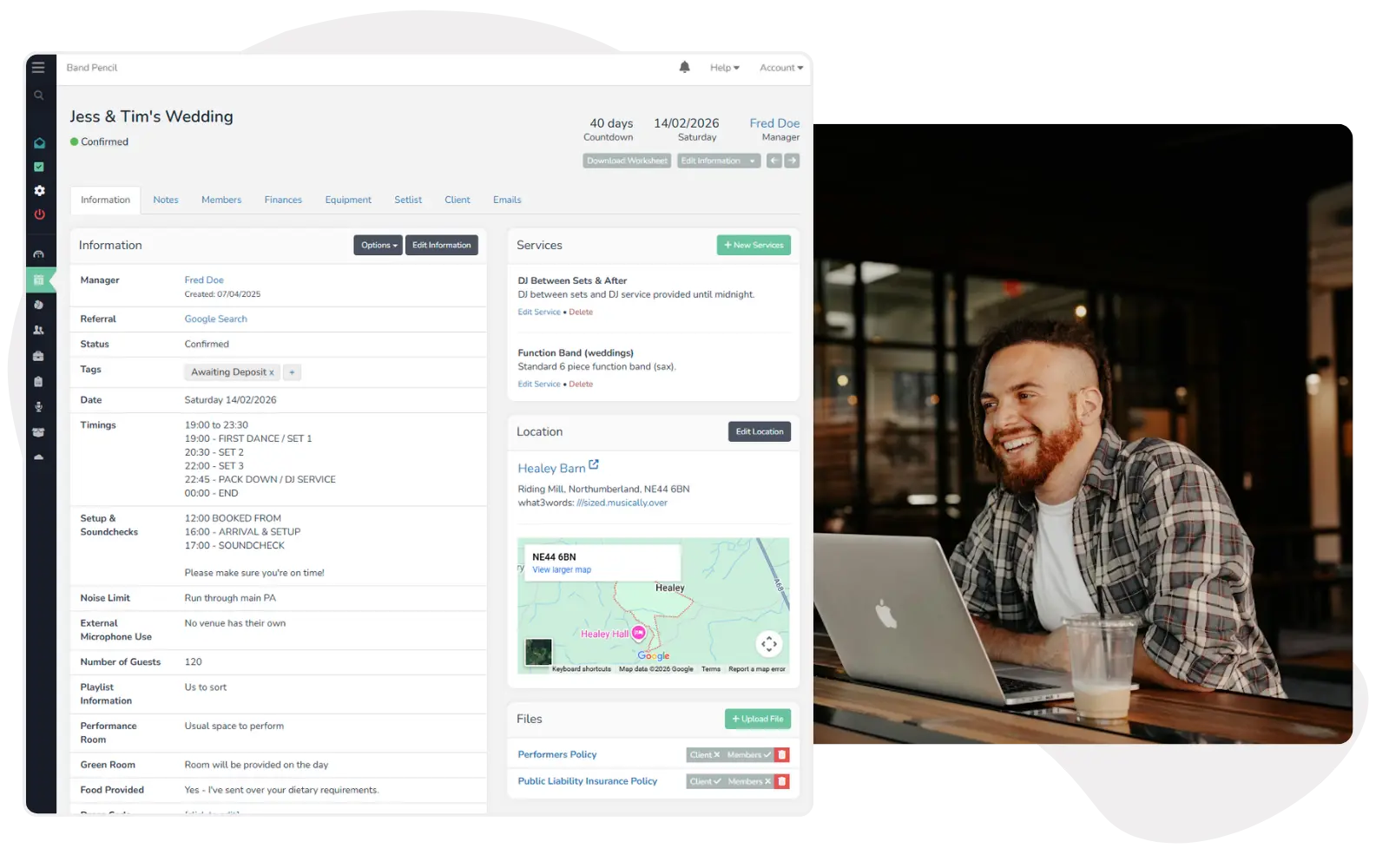
Give clients an answer while they're ready to book.
Couples and event planners often want to know one thing before going any further: are you free on their date? Your availability calendar gives them useful information immediately.
- Let prospective clients check dates online
- Reduce basic availability emails
- Give visitors an immediate next step
- Keep enquiries moving while interest is high
Turn an availability check into an enquiry.
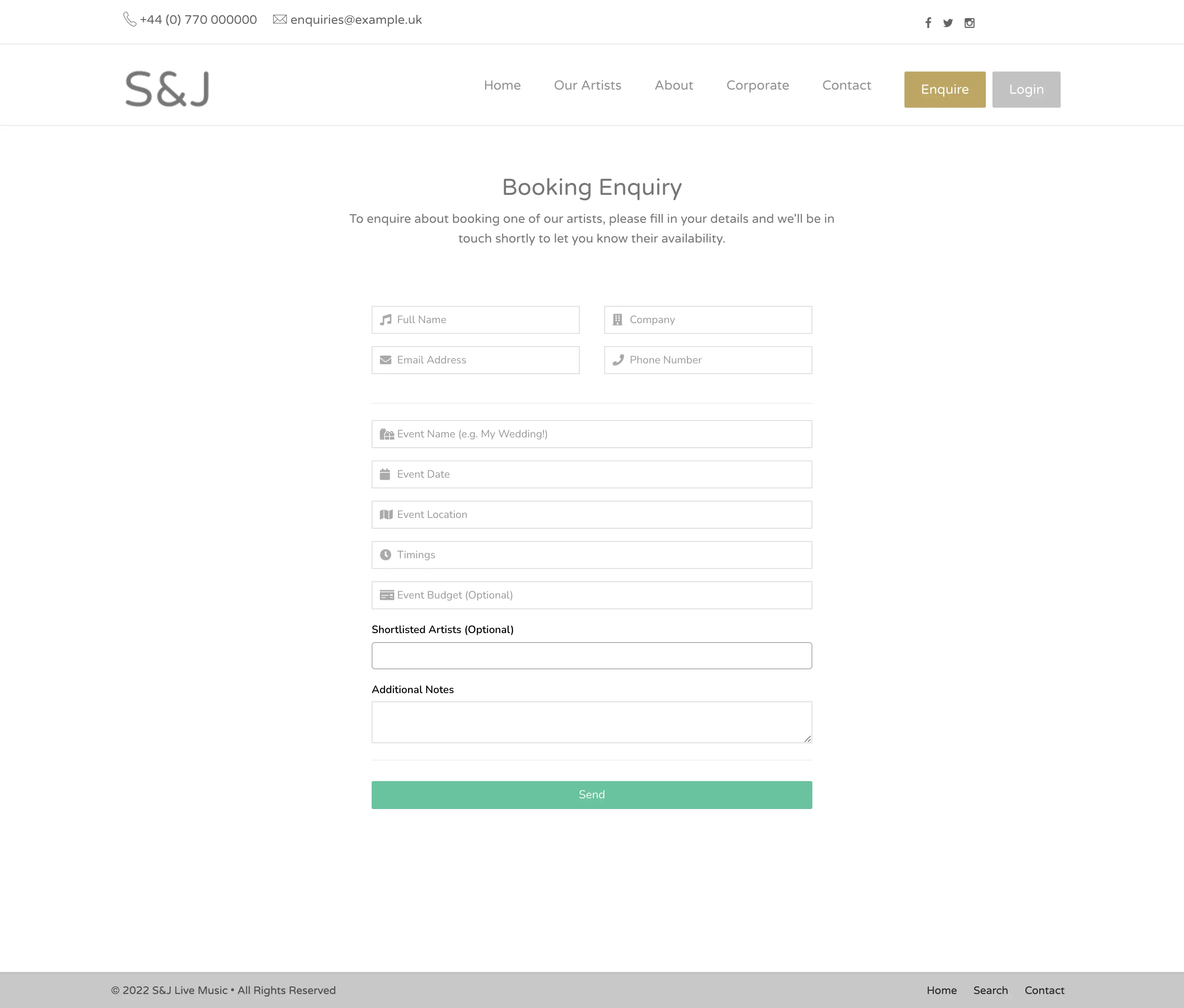
Rather than ending the journey after showing a date, use the calendar as part of your enquiry workflow and encourage interested clients to provide the details you need.
- Encourage visitors to enquire after checking their date
- Collect useful booking information
- Reduce unnecessary back-and-forth
- Move prospective clients towards the next stage
One booking doesn't have to block your entire day.
You decide how dates appear. If you can accept multiple events on the same day, a date can still be shown as available or invite the client to speak with you.
- Choose how booked dates are displayed
- Use Available, Speak With Us or Unavailable states
- Support businesses that take multiple bookings per day
- Block dates manually when you aren't taking work
Show availability around the services you actually offer.
Availability doesn't have to apply identically across your entire business. Configure it around selected services when different packages or line-ups can be booked independently.
- Apply availability to all or selected services
- Keep another package available when one is already booked
- Support different line-ups and service combinations
- Give clients more accurate availability information
One platform,
one process.
Put your Band Pencil availability on your website and give prospective clients a shorter route from checking their date to making an enquiry.
Configure your availability
Choose how your dates and services should be represented to prospective clients.
Embed the calendar
Add your Band Pencil availability calendar to your website.
Clients check their date
Visitors can see the availability status without waiting for you to reply manually.
Capture the enquiry
Interested clients can take the next step while they're actively considering the booking.
Your next client could be checking their date right now.
Give them useful information immediately instead of making them send an email and wait to find out whether the conversation can even begin.
Questions, answered.
Can't find what you're looking for? Contact the Band Pencil team.